
UI/UX Atlas: a field guide that practices what it teaches.
An open, in-depth guide to interface and experience design, with interactive tools and a quiz for every topic. The site itself is meant to be a worked example of good design.


At a glance
Learning design shouldn't be scattered.
Most of what you need to learn interface design is out there, but it's spread across blog posts, courses and talks of very different ages. Standards keep moving: WCAG 2.2, perceptual color spaces like OKLCH, container queries, design tokens. Advice written a few years ago can quietly teach the wrong thing.
UI/UX Atlas brings it together in one structured curriculum, grounded in current standards, where every lesson connects to the ones around it and every topic ends with a way to check what you've learned.
- Product
- UI/UX Atlas
- Type
- Open educational website with interactive tools
- Built with
- Astro, React and Tailwind
- Accounts
- None needed; quiz progress is saved on the learner's own device
- Our role
- Curriculum structure, content design, interface design, tools and engineering
- Website
- uiuxatlas.com
Two halves of one craft.
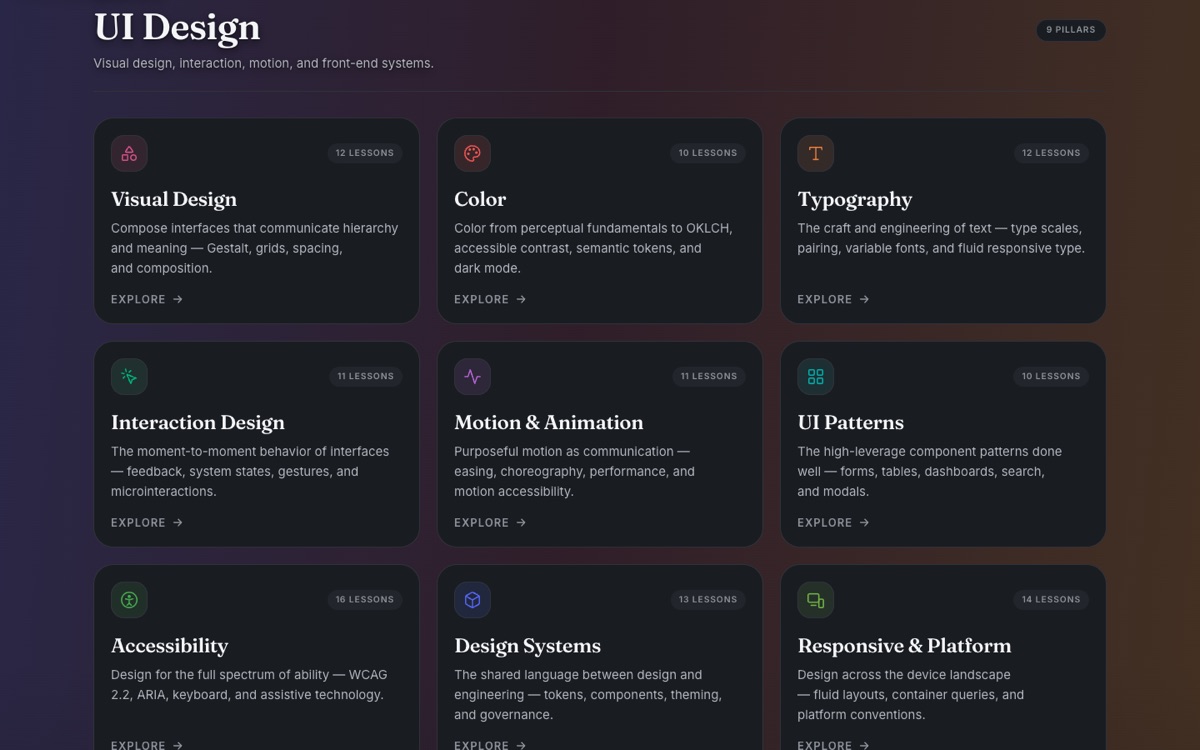
The 18 pillars are split between the interface and the experience, so a learner can see how the visible craft and the research behind it fit together.
UI design
Visual design, color, typography, interaction design, motion and animation, UI patterns, accessibility, design systems, and responsive and platform design.
UX design
UX foundations, UX research, synthesis and modeling, information architecture, design process, content and UX writing, prototyping and tools, strategy and metrics, and emerging and AI UX.
A color system from one color.
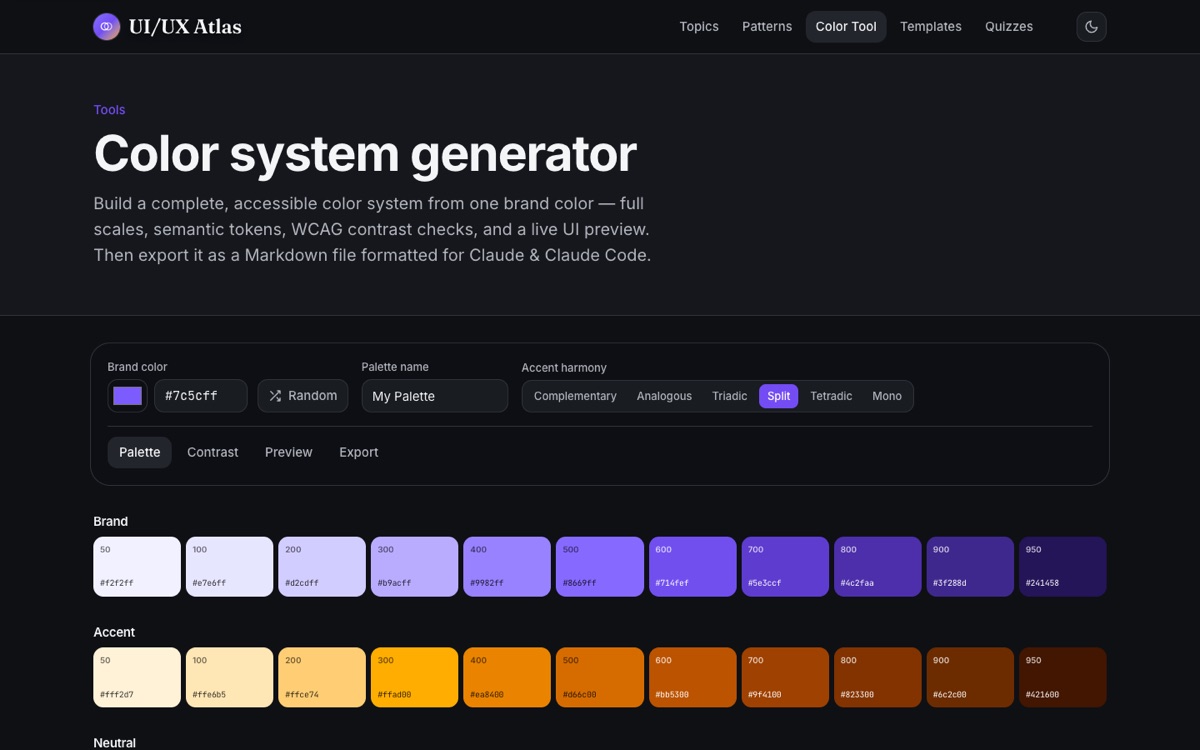
The color-system generator starts from a single brand color and builds a complete, accessible system around it: full OKLCH scales, an accent chosen by color harmony, semantic tokens, WCAG contrast checks and a live preview of real interface components.
When it's done, it exports the whole system as a Markdown file written for AI coding tools like Claude and Claude Code, so the palette carries straight into the code.
The choices that shaped it.
Learn it, then test yourself
Every topic has a quiz with instant feedback and an explanation for each answer, because reading about design and being able to apply it aren't the same thing.
No account wall
Progress is saved on the learner's own device. Anyone can start learning immediately, and nothing about them is stored on a server.
The site is the example
Accessible, fast, responsive and thoughtfully animated, with a dark theme. A guide to good interface design has to be a good interface first.
Curriculum, tools and the site.
- Curriculum architecture
- Lesson and content design
- Interface and visual design
- Color-system generator
- Quizzes with explanations
- Patterns and templates library
- Light and dark themes
- Accessible, responsive front end